Getting Your Smart Meter PCBs Right: A No-Nonsense Guide to IR Heating
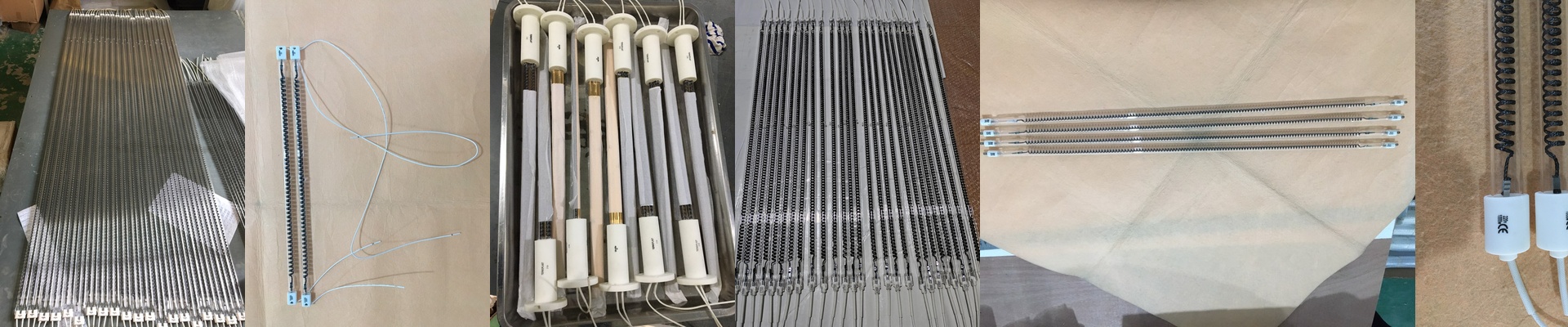
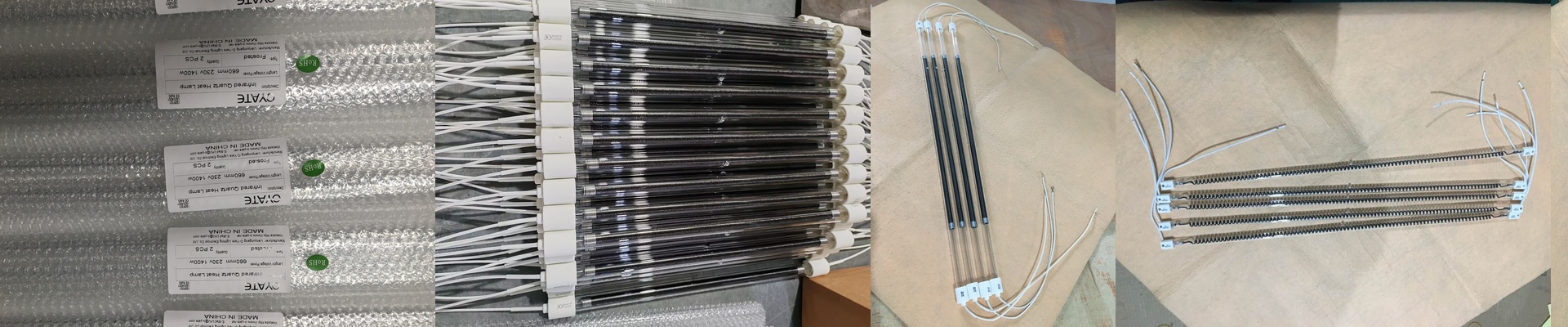
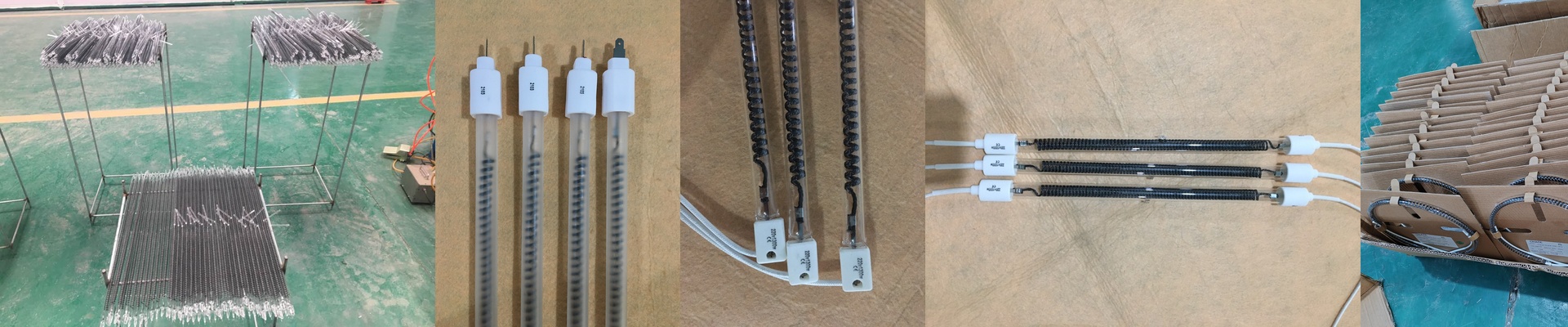
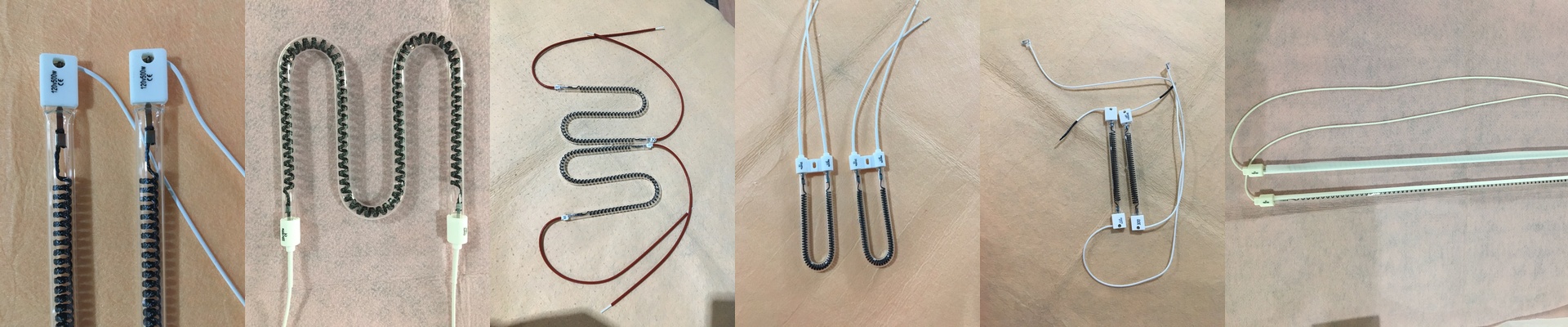
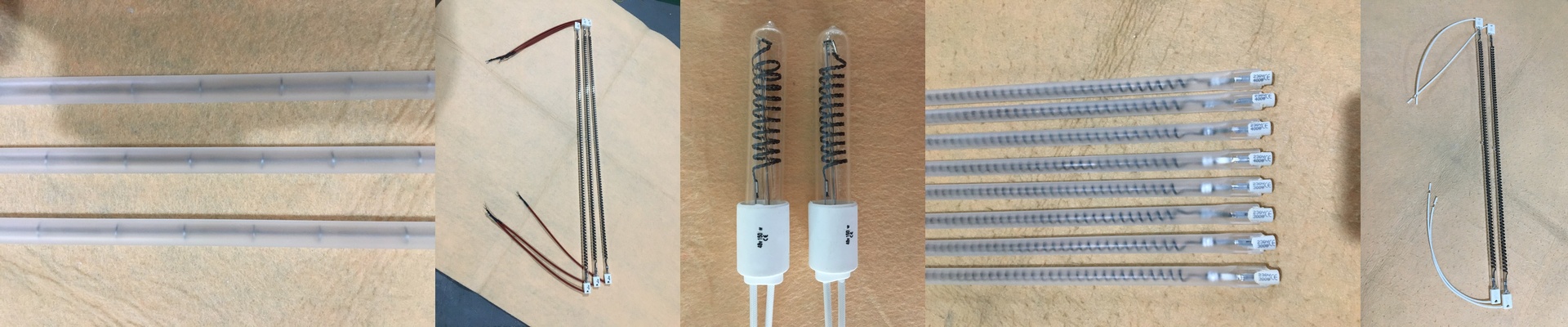
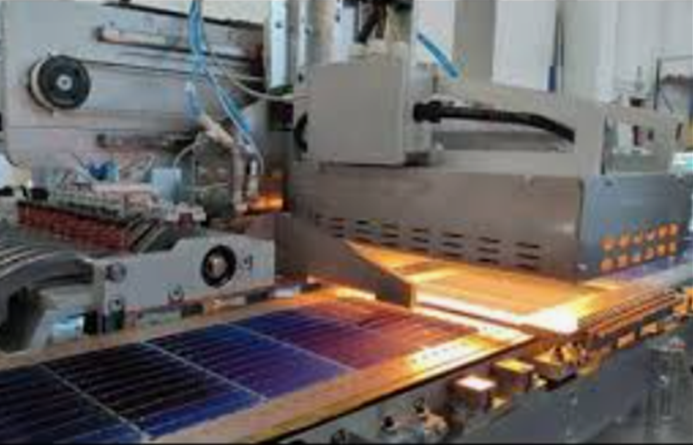
If you’re curing adhesives or solder pastes on smart meter PCBs, you already know the struggle. You need the heat to hit exactly right—fast enough to keep the line moving, but not so hot that you fry your sensitive components. That’s where short-wave IR quartz lamps come in. They’re built for speed. The Heat Factor To get a PCB up to temperature quickly, it’s all about the wattage per linear inch. We design these tubes to punch through the board substrate fast. But here’s the thing: if you’re packing high-wattage lamps into a tight space, your exhaust fans have to do some heavy lifting. If the air doesn’t move, you’ll end up with “hot spots” or, worse, toasted components. It’s a balancing act. Why Quartz? We use high-purity quartz for the glass because it’s tough. These lamps click on and off hundreds of times a shift. Most glass would just shatter from the thermal shock, but quartz handles the stress without breaking a sweat. We also obsess over the spectral output. Why? Because you want the IR radiation to actually soak into the PCB materials, not just bounce off the surface like a mirror. Plus, these are designed as drop-in replacements. If you’re already using a major brand, you can just swap them out and get back to work. Setting Them Up Wiring is the easy part. We use standard industrial connectors so you don’t have to worry about arcing at the terminals. Whether you’re sliding them into a conveyor oven or a stationary station, they just fit. But wait—there’s one big rule. Don’t touch the glass. Seriously. A single fingerprint on the quartz envelope creates a tiny stress point. Once the lamp heats up, that spot becomes a weakness, and the tube burns out way sooner than it should. Grab some lint-free gloves before you install them. It takes two seconds, and it keeps your lamps running much longer.